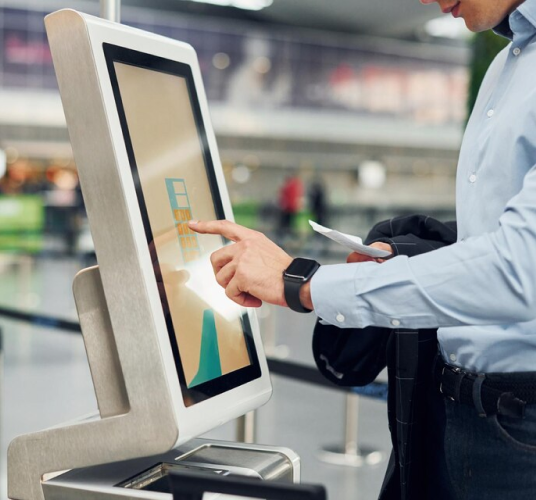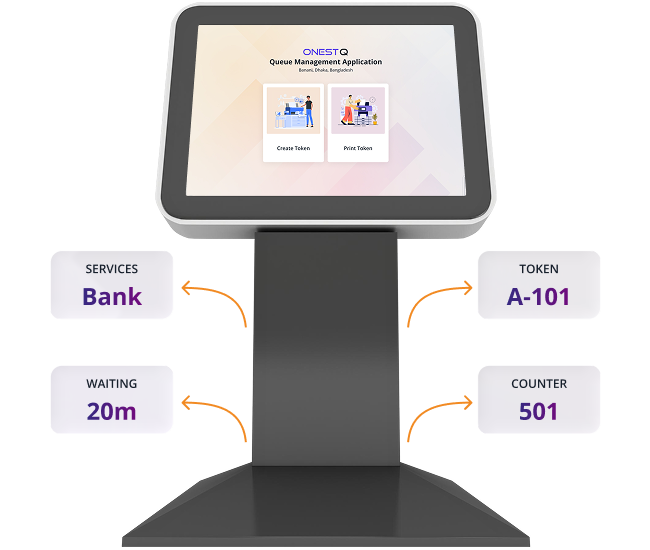
The Kiosk reduces front-desk pressure by letting customers join the queue independently. By guiding service selection, collecting required details up front, and printing tokens instantly, it improves speed, accuracy, and the overall waiting-area experience.
- Less staff workload (customers self-serve token creation and printing)
- Faster onboarding (walk-ins can join the queue immediately)
- Cleaner counters (fewer interruptions and repeated questions)
- Better data quality (required fields captured per service)
- Consistent experience (branded, guided flow across devices)
- Less staff workload (customers self-serve token creation and printing)
- Faster onboarding (walk-ins can join the queue immediately)
- Cleaner counters (fewer interruptions and repeated questions)
- Better data quality (required fields captured per service)